|
Free of Charge
The server and client component is free of charge .
128-bit AES Encryption with MMX Optimization.
All backup data is encrypted with AES-128 Encryption algorithm. The encryption routine is MMX-Extension optimized.
Integrated File Compression
To reduce storage space and network loading, all backup data are compressed before sending to Server
Client-Driven Operations
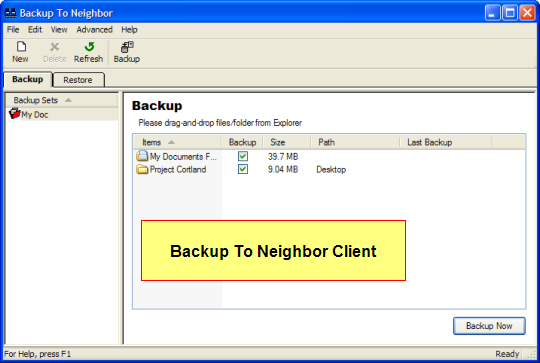
Once the setup on server is completed, all daily operations are performed on client side.
Storage Unit Capacity Limit
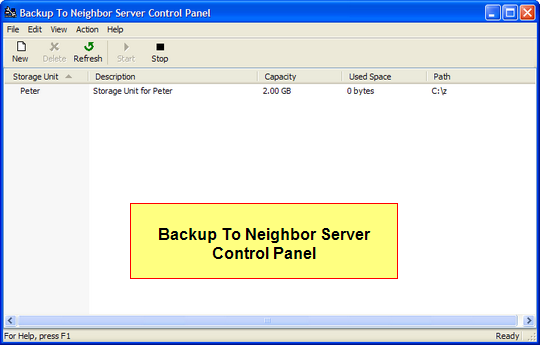
A capacity limit can be setup on server to avoid backup files occupying all available space on server
Disaster Recovery
Provide a mechanism to restore your files after hard disk failure
Unicode Compatible
The Server and Client is Unicode Compatible. It can handle filename in Asian Language (Chinese, Japanese) correctly. You may even use Unicode Characters in Password!
Flexible Configuration
Backup To Neighbor can be configured to many different scenarios. For example, Dedicated Server, Peer-to-Peer, Rotational Backup, working within a LAN or across WAN.
Server Component is NT 4 compatible
The server component is compatible with Windows NT 4.0. You may even use retired NT 4 server as dedicated Backup To Neighbor Server.
|